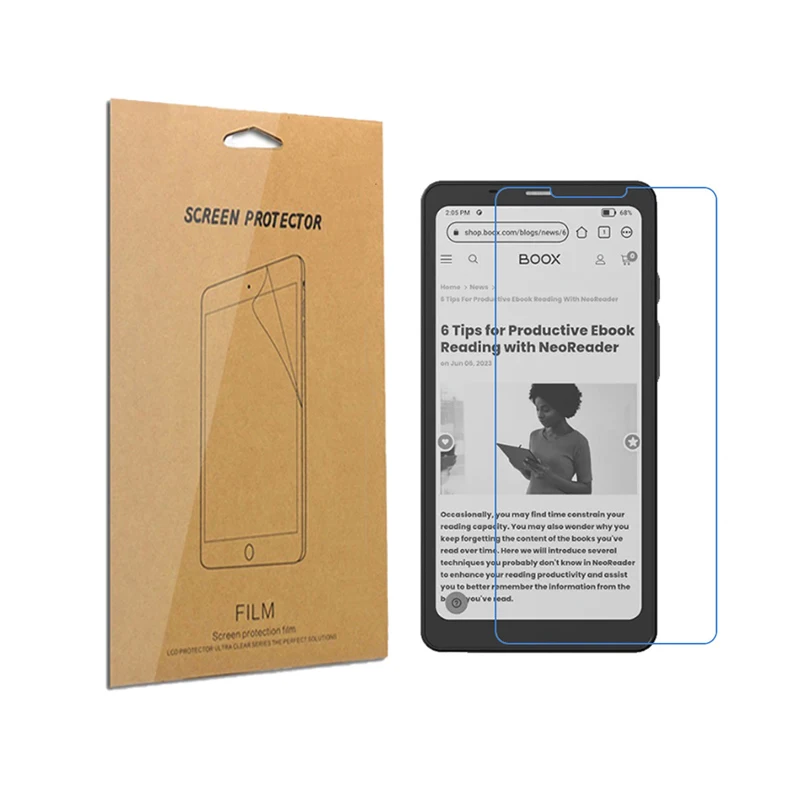
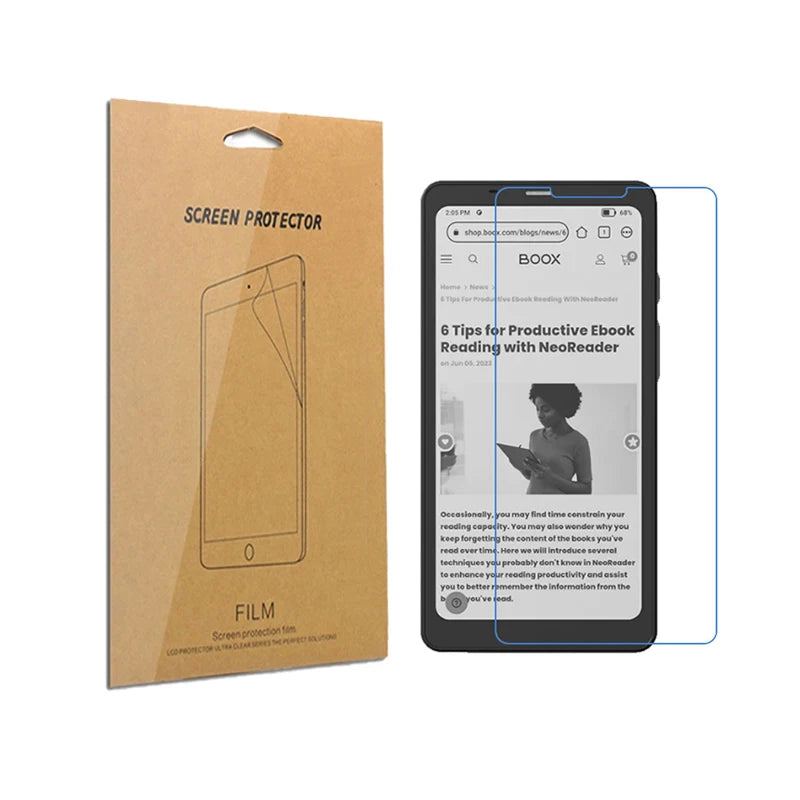
MegaClickShop
Matte Screen Protector for Onyx Boox Palma Protective Anti-Scrach Cover Shield Film 6.13 inch Tablet Accessories
Matte Screen Protector for Onyx Boox Palma Protective Anti-Scrach Cover Shield Film 6.13 inch Tablet Accessories
No se pudo cargar la disponibilidad de retiro
SPECIFICATIONS
Brand Name: ICKOYTech
Choice: yes
Compatible Brand: Other
Features: Scratch Proof
High-concerned chemical: None
Material: pet
Model Number: for Onyx Boox Palma
Origin: Mainland China
Package: Yes
Quantity: 2 Packs
Size: 9.7
Use: PDA
semi_Choice: yes
Features:
Brand new, Comes with a cleaning cloth
No water is needed, takes 5-10 minutes to install
Pre-cut to match screen shape, Cover full LCD glass screen
Anti-Scratch, Shield and protect your screen from unwanted scratches
Anti-UV, filter out 99% of UV light from your screen reflecting your eyes
Reduce-Glare, help minimize annoying surface glare under bright lights
It does not interfere with a touch display. Excellent character recognition
Easy to install, Self-adhering, and Leaves no sticky residue after removal!
To remove, just peel one of the corners and slowly continue
Specification:
Screen Size: 7.8 inch
Material: 3-layer PET film
Surface: Smooth, not rubbery feel
Thickness: 0.12 mm (equivalent to regular printing paper)
Size & Fit: Pre-cut, exactly FITTED to the model in the listing title only
Real Touch Sensitivity For a Natural Feel That Provides Flawless Touch Screen Accuracy
Quantity:
2* Matte LCD Screen Protector Film (NOT Anti-reflective)
1* installation tool
Simplified Installation Instructions:
Step 1 Thoroughly clean the workspace and device.
Step 2 Peel back the protective layer labeled "Adhesive Backing 1" a little.
Step 3 Align the exposed edge of the protector with the edge of the device. A perfect initial alignment ensures the best installation results.
Step 4 Once aligned, slowly lay the protector down.
Step 5 Wrap the squeegee in the microfiber cloth and then press out the air bubbles little by little.
Step 6 Remove the protective film layer labeled "Protective Layer 2".
Step 7 Buff the screen with the microfiber cloth and you're done. Enjoy!
The Tablet is just for demonstration and is NOT included in the sale.